-
Type:
Task
-
Resolution: Unresolved
-
None
-
Affects Version/s: None
-
Component/s: TermPortal
-
Medium
-
Emptyshow more show less
Add ability to switch to Dark Mode for TermPortal
Technically, the switching will be between modern-triton theme and modern-material theme.
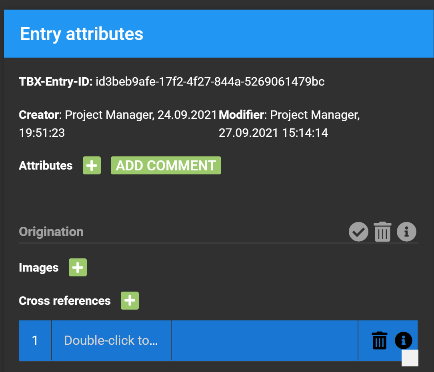
Dark mode can be achieved by setting the right value to the style-attribute on the html-tag. That value can be got from ExtJS kitchensink examples. However, some amenments are required at least:
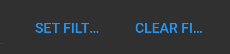
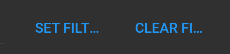
- Set Filters / Clear filters buttons widths should be increased due to material theme is using uppercased button titles
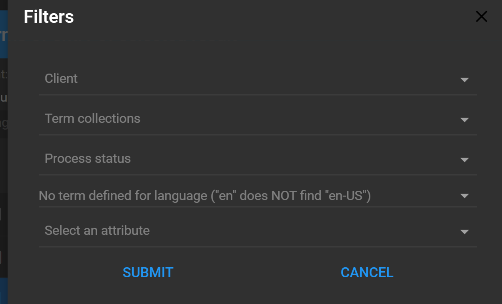
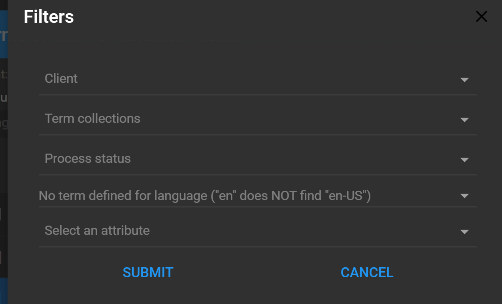
- Align the placeholders in filter window
- Remove shadows from toolbars
- Adjust toolbars background color, setup button background color instead
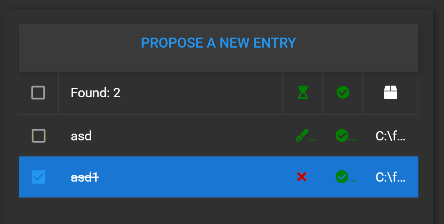
- Hide ellipsis from left panel's processStatus and status columns
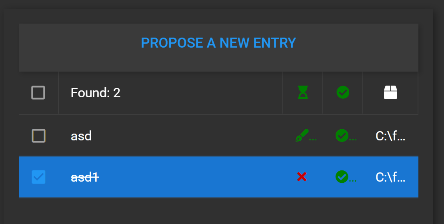
- Adjust grid selected record background color
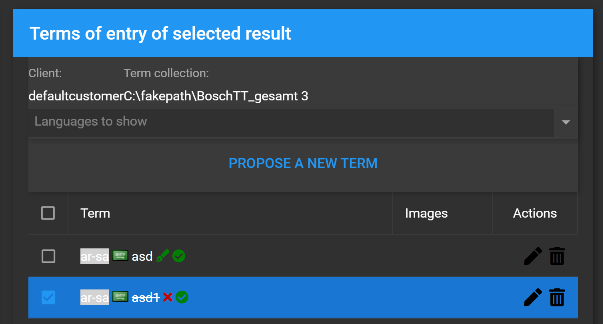
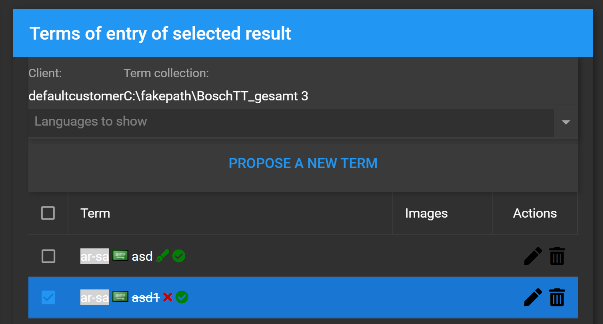
- Adjust edit/delete icon colors
- Add spacing between Client and Term collection displayfields, or make {labelAlign: left} for them
- Adjust rfc5646-background color
- Make the font size bigger, and the icon sizes smaller
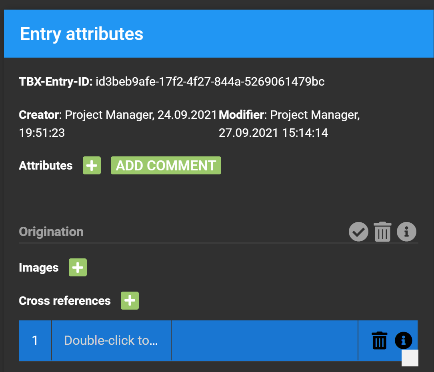
- Remove border radius from green buttons, use another background color
- Use translate5 logo with transparent background