-
Type:
New Feature
-
Resolution: Fixed
-
Affects Version/s: None
-
Component/s: VisualReview / VisualTranslation
-
High
-
None
-
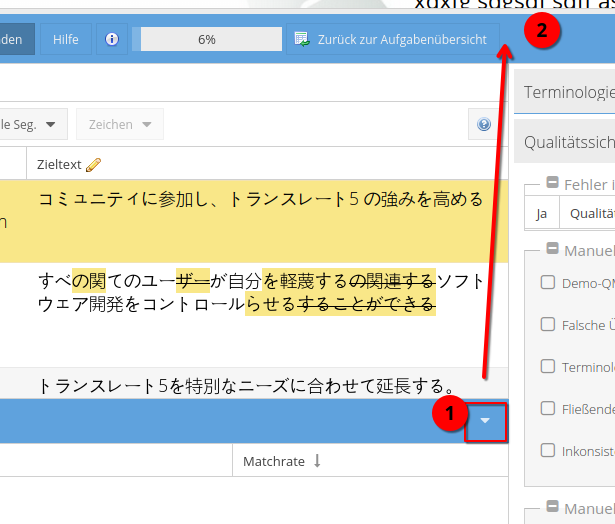
Visual review now have a stateful show/hide functionality: toggle button for simple segments grid, and a menu item for settings dropdown in normal/detailed segments grid.
-
None
-
Emptyshow more show less
Problem
Sometimes the translator would like to have more space on his screen for the segment table and therefore be able to hide the visual
Solution
Introduce a button and keyboard short-cut to hide the visual, if it exists. And to show it again, if hidden at the moment. Make this also stateful, meaning translate5 remembers the users setting throughout different tasks and sessions like with other UI settings.
Adjust UI
a) visual itself: Remove "switch layout" button in the upper right and move it to the button-group to the right in simple view (in normal/extended it is already in the settings menu)
a) simple view: Clone the "leave task" button from the top right to the afromentioned button-group
c) extended/normal view: Add the "Hide visual" to the settings-menu to the left where the view-mode can be set below the view-mode group as checkmark-item