-
Type:
Bug
-
Resolution: Fixed
-
Affects Version/s: None
-
Component/s: translate5 AI
-
High
-
None
-
Prompts that have been sent to training remain now separated in training window after training
-
None
-
Emptyshow more show less
Problem
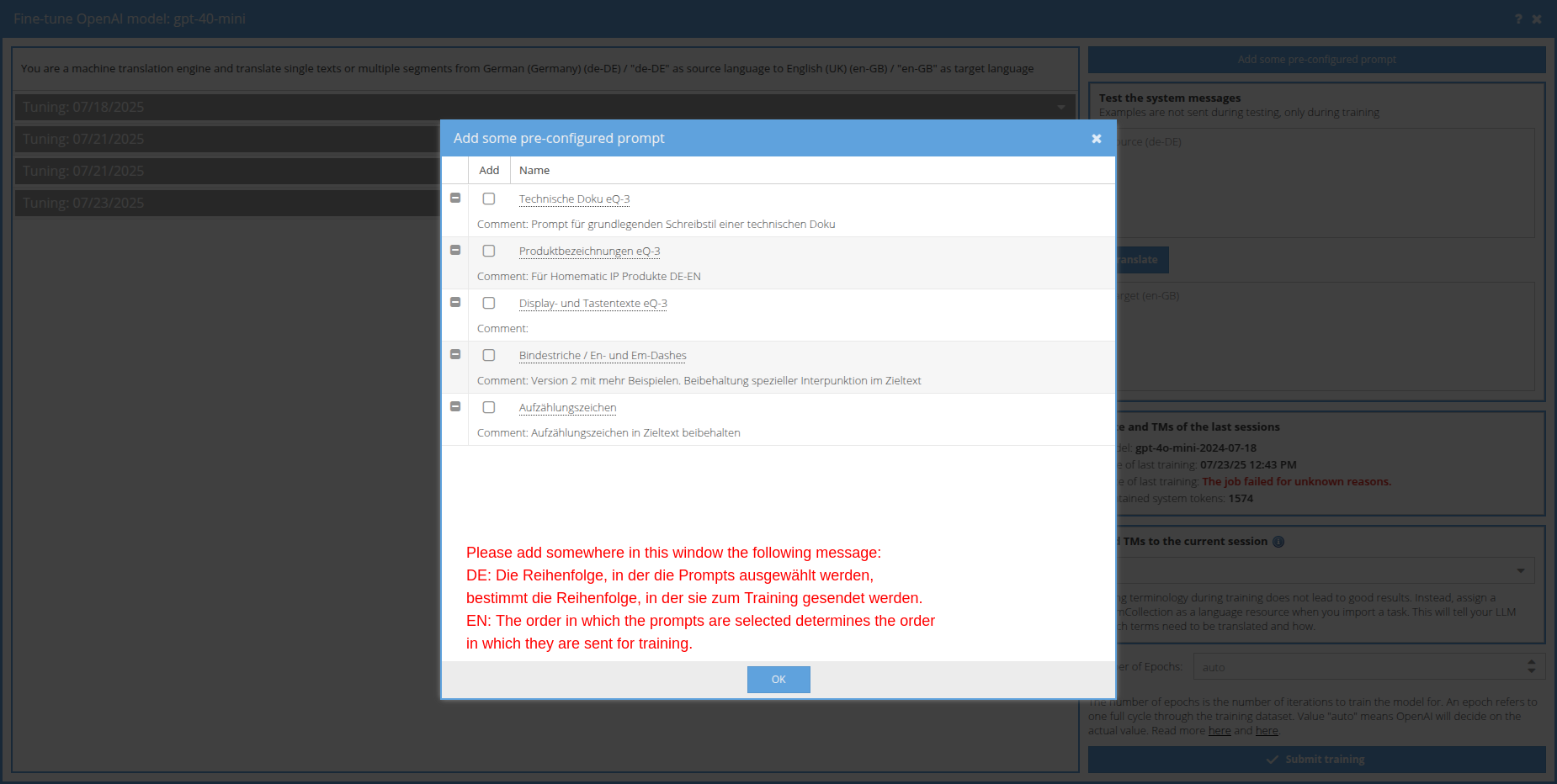
If you select several prompts from the prompt management for a training, they are listed separately in the training window. Each prompt with the corresponding examples.
Yet after the training all prompts are merged into one in the display of the already trained prompt (that is shown with a grey toolbar instead of a blue one) and all examples are also merged into one.
Solution
After the training it should like before the training, with prompts separated and each prompt showing the examples, that belong to it.
Yet with grey toolbar instead of blue one, to symbolize, that those prompts are already trained.