-
Type:
Improvement
-
Resolution: Fixed
-
Affects Version/s: None
-
Component/s: Workflows
-
Medium
-
None
-
Improve leaving print approval job dialog
-
None
-
Emptyshow more show less
Problem
The popup dialogue when leaving a print approval job has proved too complicated for users.
Solution
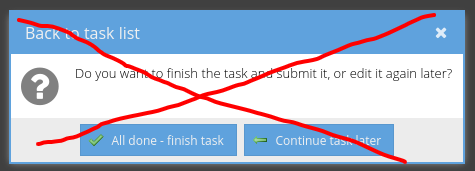
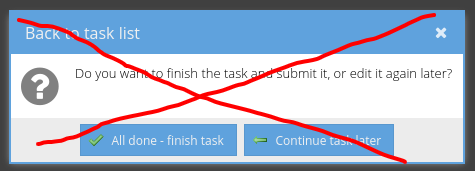
On clicking the back to task list button in a print approval job, do not show the following popup:
Adjust the following popup and only show this then:
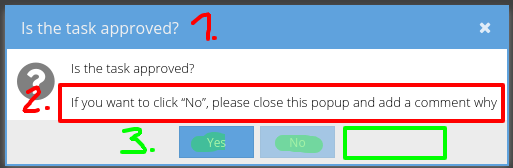
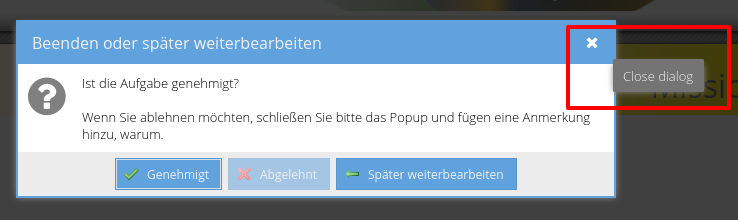
- Finish or continue later | Beenden oder später weiterbearbeiten
- If you want to reject, please close this popup and add an annotation why. | Wenn Sie ablehnen möchten, schließen Sie bitte das Popup und fügen eine Anmerkung hinzu, warum.
- Add 3 buttons, from left to right:
| Approve | Genehmigt | Reject | Abgelehnt | Continue later | Später weiterbearbeiten |
Reject should be greyed out unless an annotation is added. Add a  for Approve and
  for Reject and our common icon for Continue later
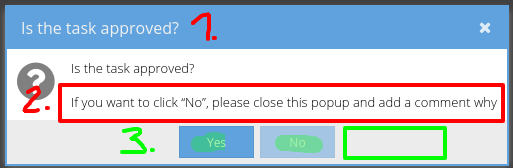
( Is the task approved? | Ist die Aufgabe genehmigt? stays as is )