-
Type:
Bug
-
Resolution: Fixed
-
Affects Version/s: None
-
Component/s: LanguageResources
-
High
-
None
-
Fixed bug which may prevent new language resource to be created when there are no client config overrides for the current user
-
None
-
Emptyshow more show less
Problem
resource type TM and DeepL
When creating a new resource fot t5memory or DeepL and filling all the fields, on clicking the save button, nothing will happen. Switching the resource type to AI (e.g. ChatGPT), switching it back to DeepL or TM (re-fill the languages), the save button will work. This is not possible for instances where no AI is used!
resource type AI
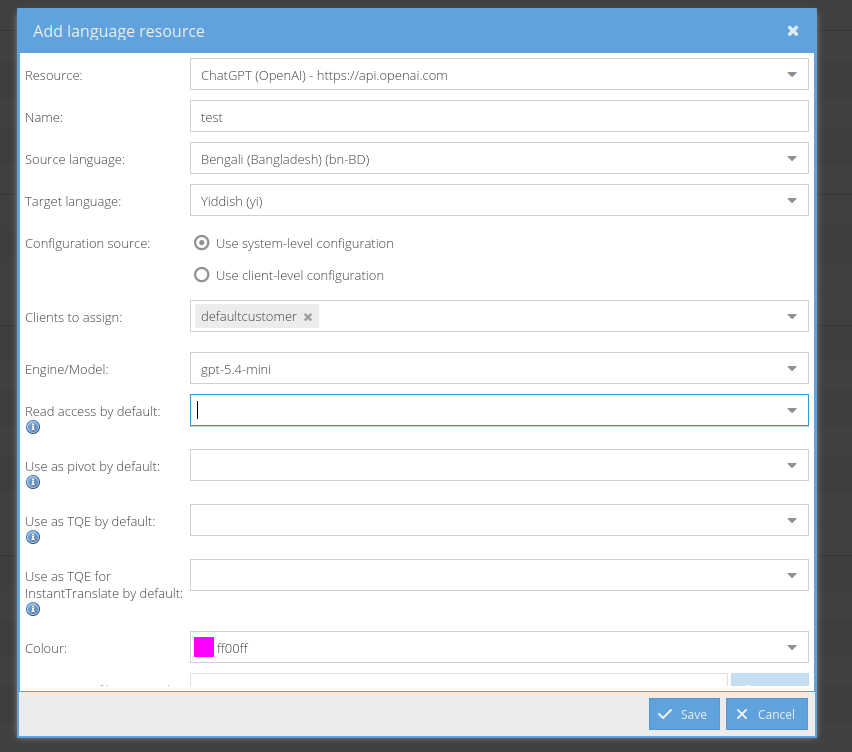
When selecting system-level configuration and a client, still all following dropdowns will stay empty. Saving the resource without any defaults and adjusting the config afterwards will do the trick, dropdowns are filled with all possible clients then.
To reproduce the issue there should be no client overrides.
Solution
Fix the issue
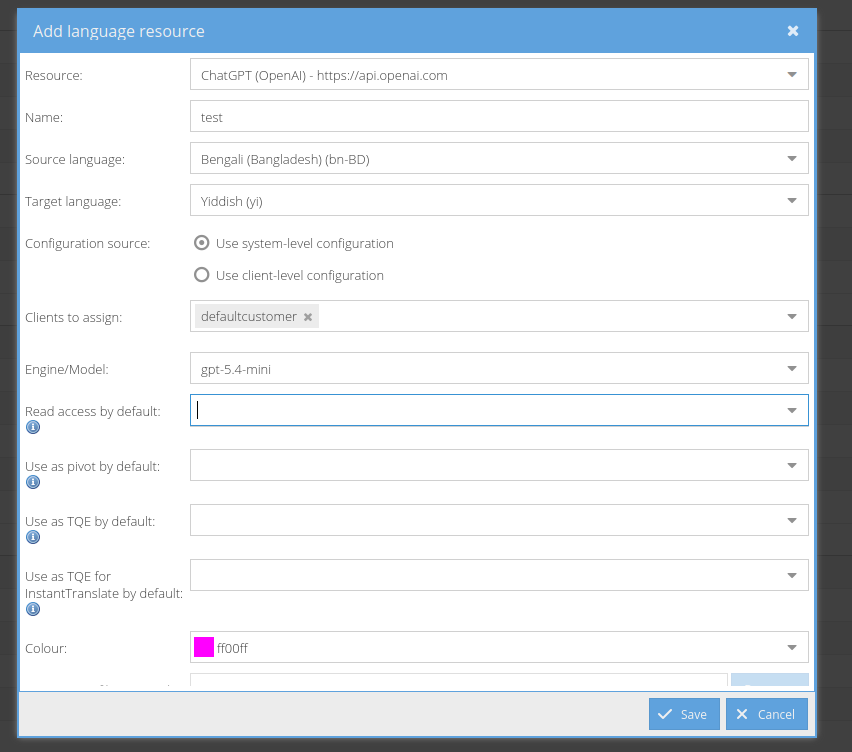
- is caused by
-
TRANSLATE-5556 Azure API key on client level
- Done