-
Type:
Sub-task
-
Resolution: Fixed
-
Affects Version/s: None
-
Component/s: Okapi integration
-
Medium
-
None
-
Added filter options missing in the Okapi Plugin (idml, openxml, xliff)
-
None
-
Emptyshow more show less
Problem
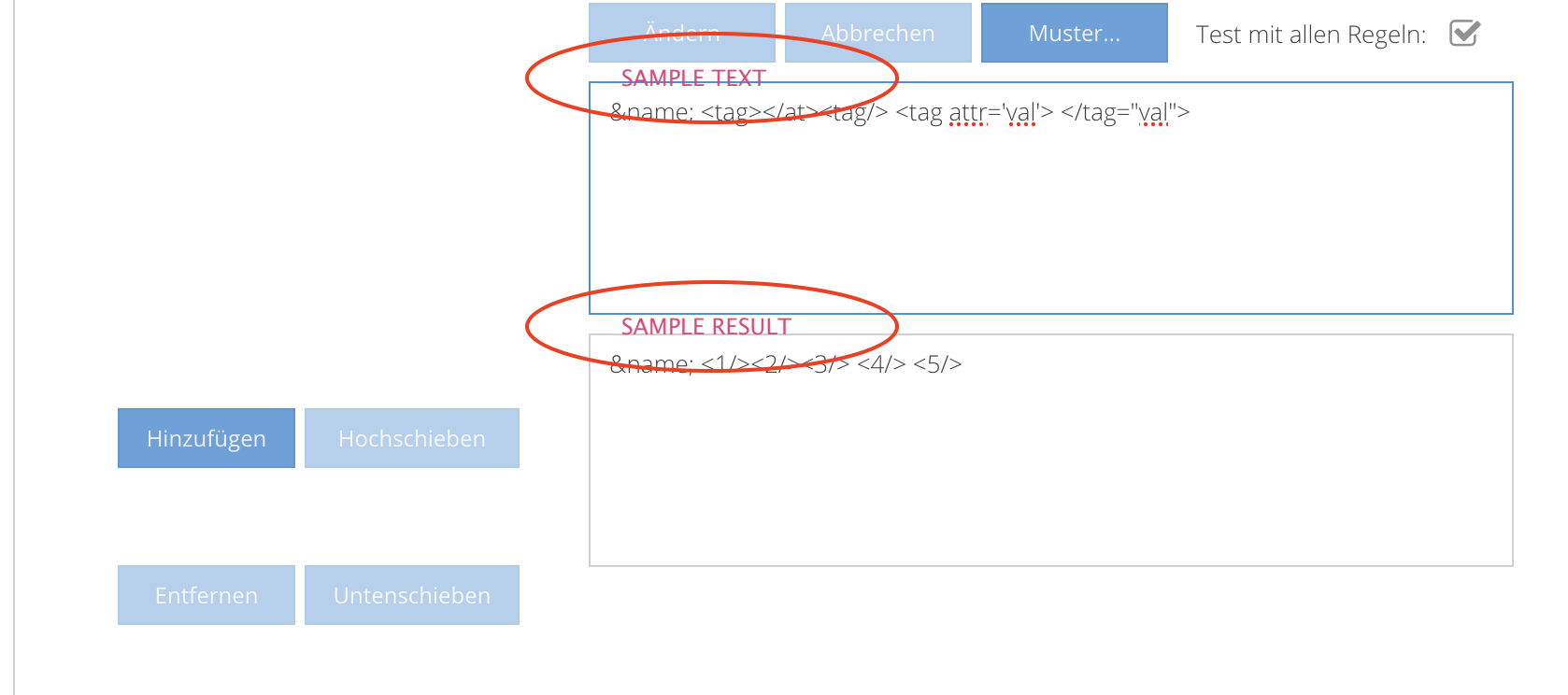
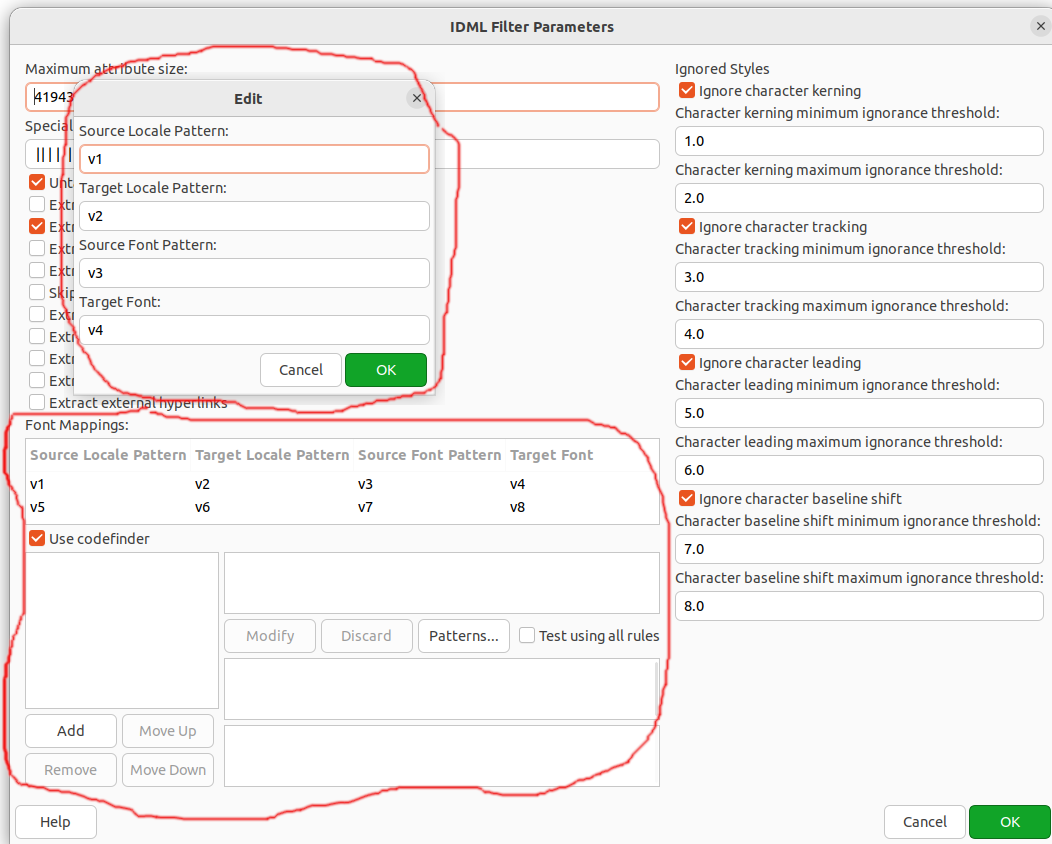
Since Okapi 1.47 in Rainbow were added new new grids/windows for okf_idml, okf_openxml and xliff formats.
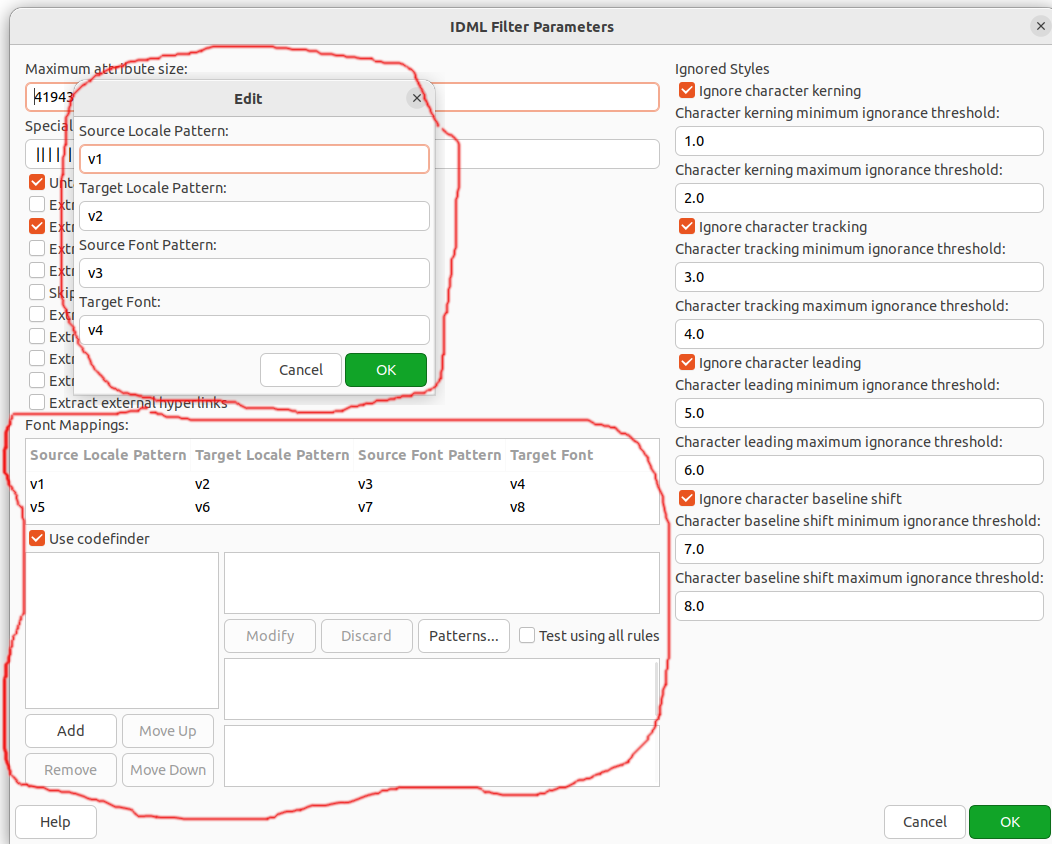
okf_idml new parameter pairs example:
excludedStyleConfigurations.0.namePattern=CharacterStyle/def_ignore
excludedStyleConfigurations.number.i=1
fontMappings.0.sourceLocalePattern=v1
fontMappings.0.targetLocalePattern=v2
fontMappings.0.sourceFontPattern=v3
fontMappings.0.targetFont=v4
fontMappings.number.i=1
codeFinderRules.count.i=1
codeFinderRules.rule0=some_rule_here
okf_openxml new parameter pairs example:
worksheetConfigurations.0.namePattern=A1
worksheetConfigurations.0.sourceColumns=A2
worksheetConfigurations.0.targetColumns=A3
worksheetConfigurations.0.excludedRows=1
worksheetConfigurations.0.excludedColumns=1
worksheetConfigurations.0.metadataRows=2
worksheetConfigurations.0.metadataColumns=2
worksheetConfigurations.number.i=1
fontMappings.0.sourceLocalePattern=v1
fontMappings.0.targetLocalePattern=v2
fontMappings.0.sourceFontPattern=v3
fontMappings.0.targetFont=v4
fontMappings.number.i=1
Solution
Add similar components into Okapi plugin to have these options editable in t5 front-end.
Implement the missing UI-Changes since the OKAPI 1.47 upgrade:
IDML:
Font Mappings
Excluded Styles
Codefinder (wait on feedback of Denis if this even works in longhorn!)
OpenXML:
General Options -> Font Mappings
Excel-Options -> Worksheet Configurations
XLIFF:
See "Content Processing" tab
The Implementation preferrably should work with one or two new Components (ExtJS classes):
- A wrapper, that manages the creation and optionally sorting of items (Add, Remove, Up, Down). It will also be used for the "FontMappings" UI instead of the "right click" adding/removing
- Own components for the Items (fontMapping, worksheetConfiguration, codefinderRule)
=> Ask Axel for a short introduction into the existing framework