-
Type:
New Feature
-
Resolution: Fixed
-
Affects Version/s: None
-
Component/s: translate5 AI
-
Medium
-
None
-
-
None
-
Emptyshow more show less
Problem
It is possible meanwhile to let LLMs judge the quality of a translation - or maybe better said: The risk of a translation being wrong.
Solution
This issue contains the basic work that needs to be done to use quality estimation in translate5.
General
- locked and blocked segments are also evaluated. Basically all of the segments are sent for TQE (translation quality estimation)
- the task workflow step in which the TQE is started should be also saved as separate field for info
- for displaying the results of the TQE we use the same layout as the match analysis panel
- with the current implementation only ONE resource per TQE run will be possible
- the available resources for TQE are only the LLM resources. Currently we hardcode this into the loader (load only Azure,Llama,OpenAI services)
- analog to use resource by default, we add a new dropdown on language resource create/edit: Use by default for TQE we show this only for LLM based services (Azure,Llama,OpenAI)
- and we add another dropdown Use as default TQE for InstantTranslate see "InstantTranslate" below
- use the provided prompt from the pdf below as much as possible. Adjust it so it fits to our structure. For batch requests there is no definition in the pdf so we have to merge and adjust the single segment prompt to work for batches
Basic system prompt for quality estimation
As a first basic hard-coded quality estimation prompt (to which prompts from the prompt management can be added in the way it works for "AI translation") the prompt from
https://arxiv.org/pdf/2502.12404v1 page 10
is used.
Prompt management
Right now all custom prompts assigned to an LLM ressource are used for either translation or TQE:
The system prompt for translation will be used in any translation context.
The system prompt for TQE will be used in the TQE context.
This is a first implementation. When users would like to use different custom prompts for translation and TQE they need to create 2 different LLM resources as for now. This will be improved in the future.
New tabs "TQE" and "TQE Analysis"
In the areas "task property tabs" (where the tabs "task - users, task - language resources, task - analysis, etc. are located) new tabs "TQE language resources" (TQE language Resources | TQE Sprachressourcen) and "TQE Analysis" are created.
They have similar structure and function, as the language resources tabs in that area.
Tab task->TQE
It looks similar to the language resources tab. Differences can be seen in the following screen.
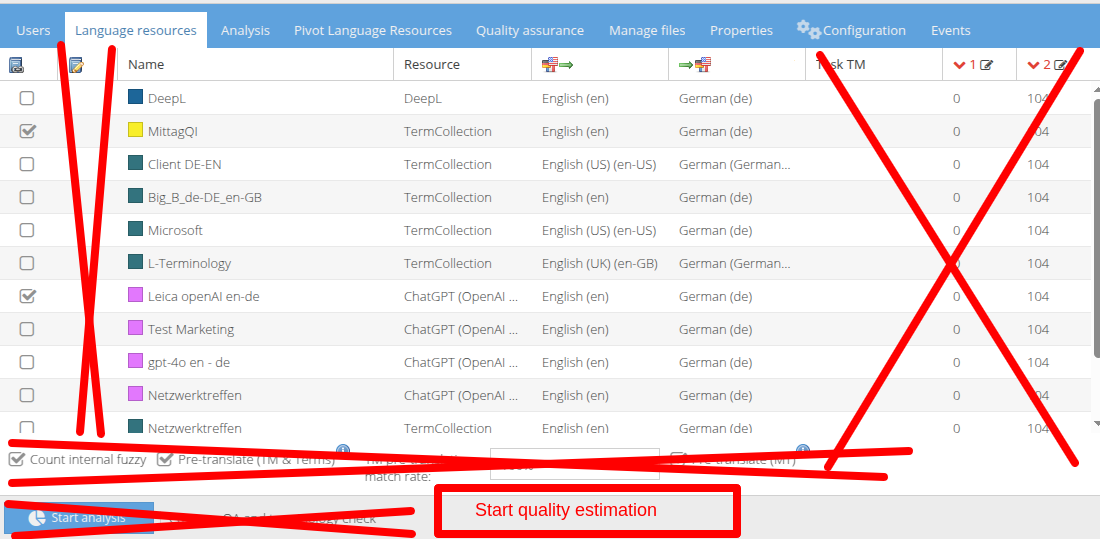
Language resource overview and tab clients->Language resources
In the language resources overview and in the language resources tab for the client, the new default assignment categories will be shown.
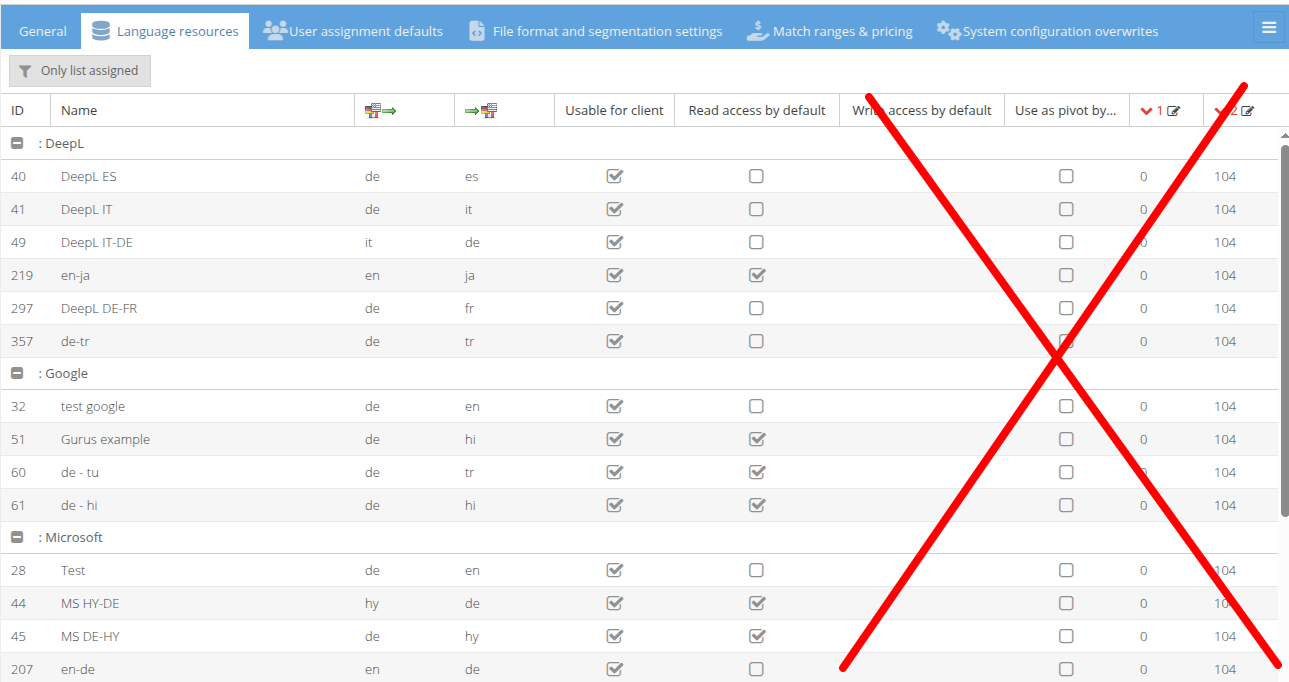
TQE Analysis
Add a new column with checkbox in the pricing preset definition: Standard for TQE right after "Standard" column checkbox. If checked, those pricing presets should be by default pre-selected in the TQE analysis overview. In addition to that, pricing presets are definable also on client level and the same checkbox should be added there, too.
Project wizard
As the overview in the project wizard is already challenging with multiple target languages, the TQE language resource assignment has been implemented in a new window after the language resources. Here defaults assignments can be changed and new assignments made.
InstantTranslate TQE
If defined in the LLM language resource properties that for a client the LLM resource should be used in InstantTranslate by default, any InstantTranslate file translation will use the set LLM for TQE and show an overall average value. If TQE should not be shown, delete the client from this field in the resource.
Additionally the user needs the role "send to human revision" and the config must allow TQE for InstantTranslate, see https://jira.translate5.net/browse/TRANSLATE-4837
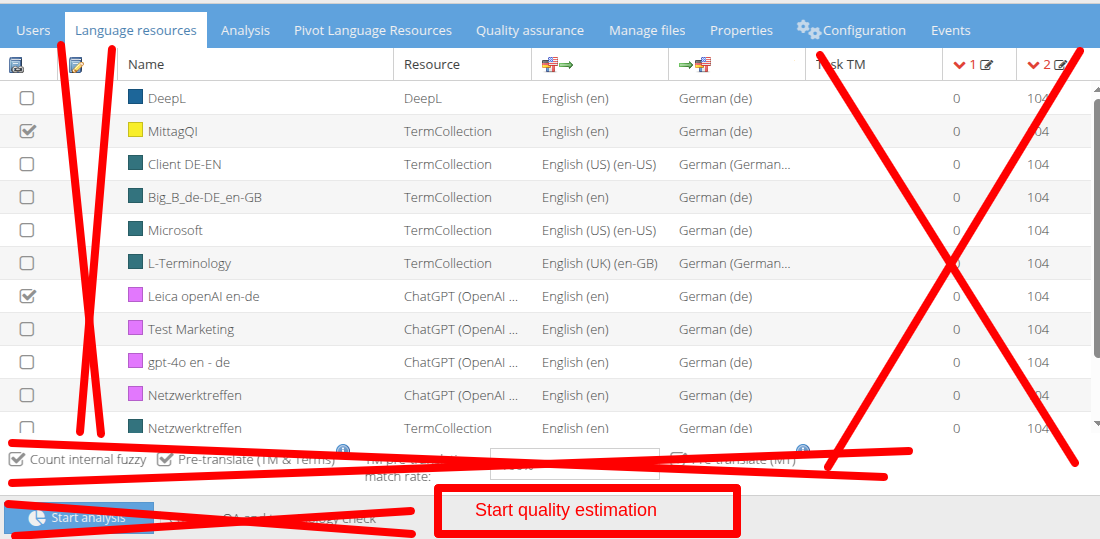
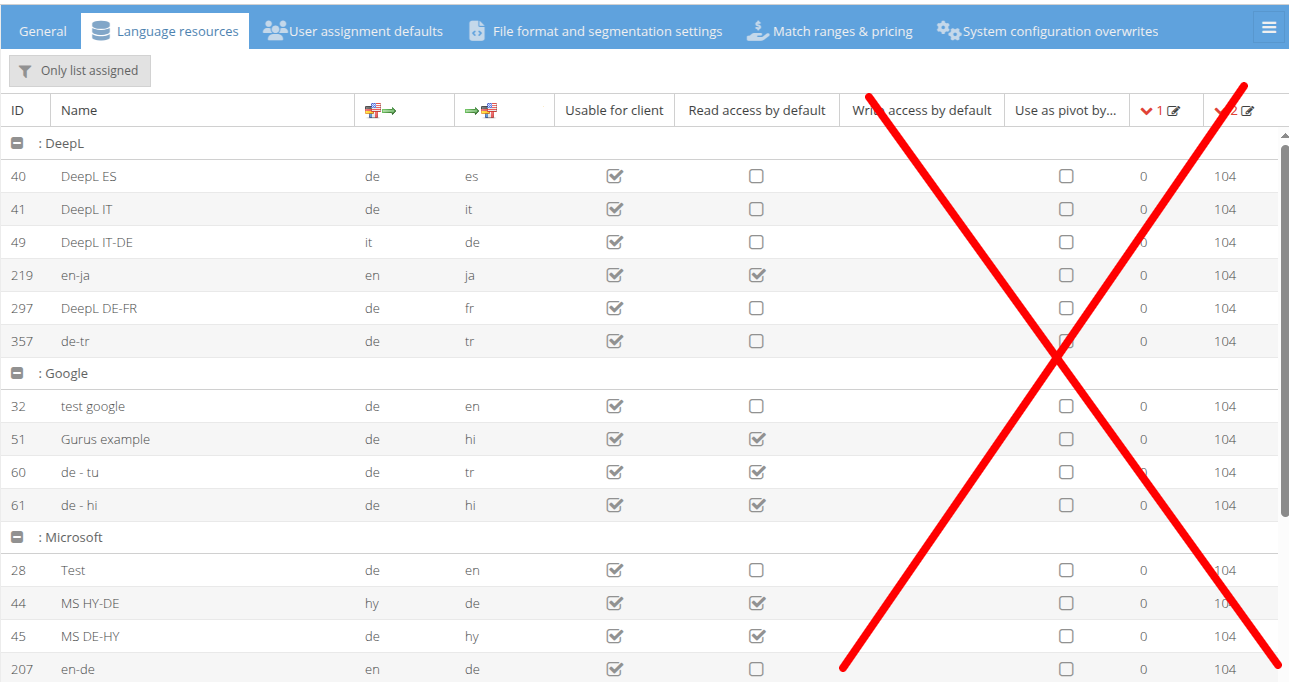
- duplicates
-
- Done
- relates to
-
- Selected for dev